ShotPulled › Help › Maintenance from the maker's manual
Maintenance from the maker's manual
This works on iPhone, Android and the web. Where a button differs, this page says so.
Where the list comes from
Open Equipment and tap a grinder or a machine. Its page has a Maintenance section, built from the maker’s own documents for that model: what to do, how often, and what the maker forbids, each with the maker’s sentence beside it.
That needs the app to know the model. Equipment added from the catalog already does. If the app only recognized the name, it asks, for example, Is this Lelit Mara X?, and nothing applies until you answer: tap Confirm (on the web, Yes, that’s it) or pick another model.
If your model is not in the catalog, every task is listed with no interval, for you to schedule. ShotPulled does not invent one. The exception is a grinder’s burr clean, which starts at 30 days, 150 shots or 1,000g of coffee until you set your own.
Each model’s list and guides are public on the gear pages, so you can read them before you buy.
How a task becomes due
A task with an interval is counted in days, in shots, and in grams of coffee for a grinder or liters for a machine. Whichever arrives first makes it due. The count starts from the last time you logged the task. If you have never logged it, shots and grams count from when you registered the equipment, and days do not count at all, because there is no date to count from.
Liters come from the yield of the shots you log, without steam or flushes, so a liter count says “up to” or “at least”.
Only tasks under Schedule count toward a due date. The full list also has Your machine tells you (the machine counts it itself, so ShotPulled sends no reminder), Routine, When needed, Never (the maker forbids it) and No maker guidance. A task the maker leaves to a technician is marked technician, and you log it with Log service.
What shows where
At the top of the section is what needs doing now, or the next task when nothing is due. The row that reads All 9 tasks (with your own count) opens the whole list, with Due, All and Never tabs and the history under it. On the phones it opens a new screen. On the web it unfolds in place.
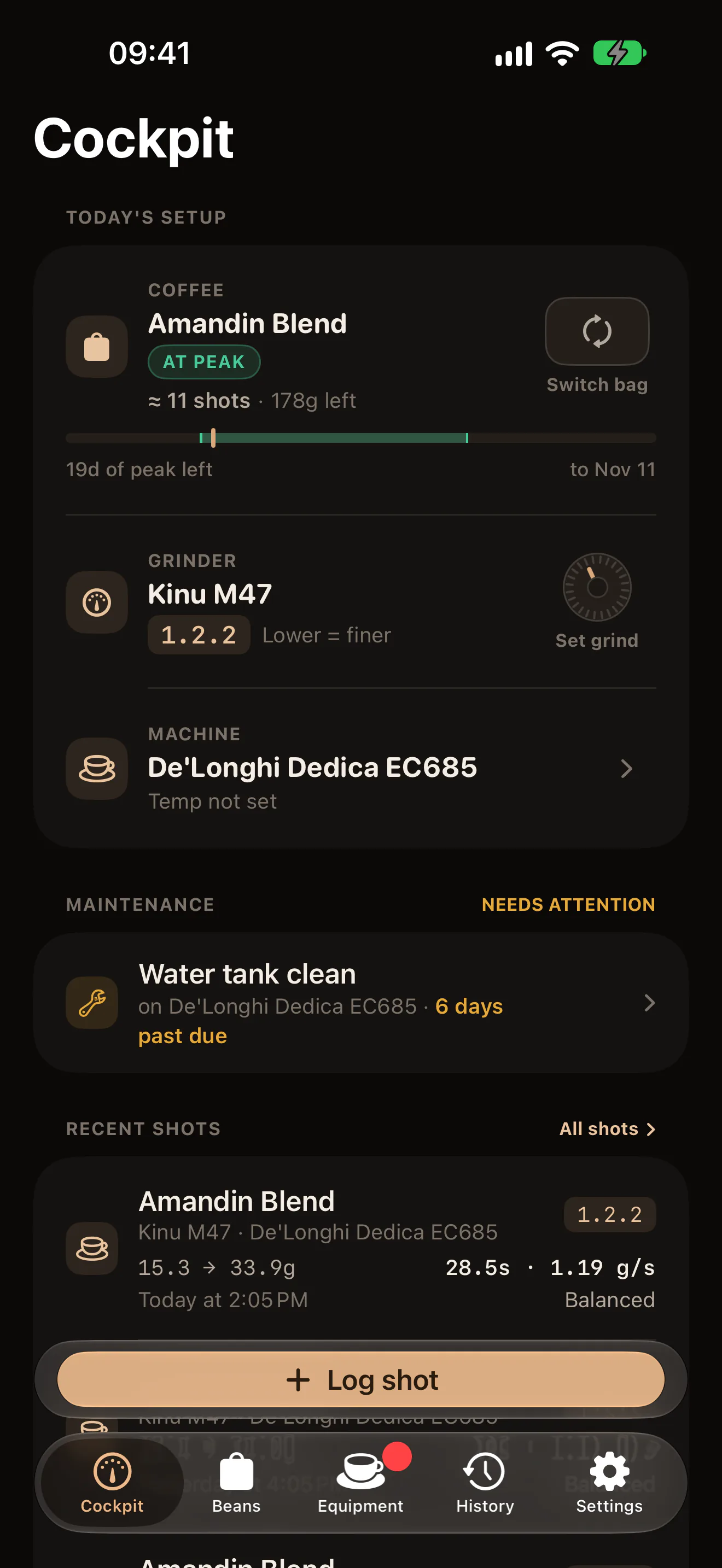
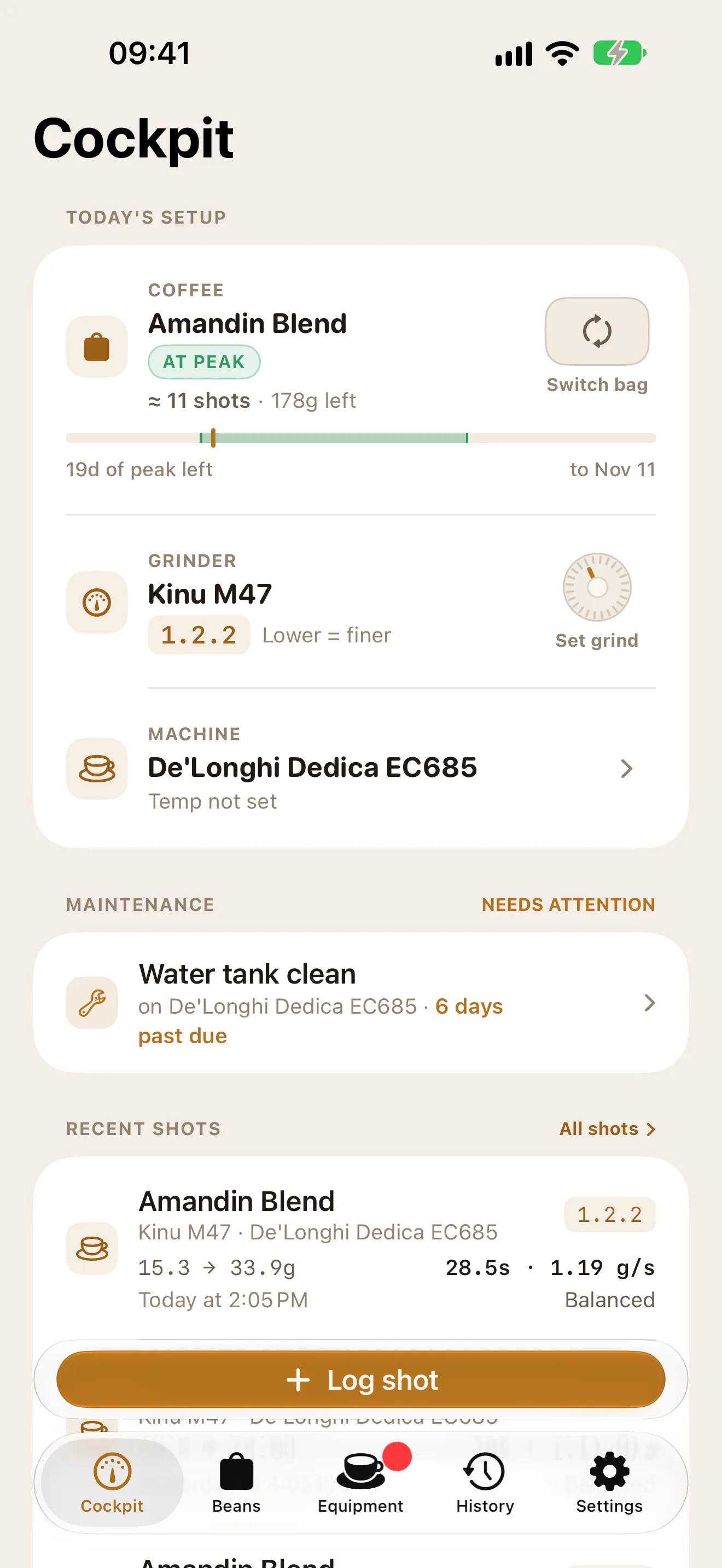
The Cockpit has a Maintenance row for the grinder and machine in use. It names the most urgent task, or what is coming up. Tap it (on the web, Review) to see and log every item without leaving the shot. Back to the shot closes it. The Equipment tab carries a dot while something is due now.
Your own schedule, and muting
Tap a task to open it. Its button reads Change or mute, or Set an interval where the maker gives none, or Your schedule once you have set one. In Your schedule:
- Under Your interval, fill in days, shots, and grams or liters. Leave a box empty to ignore it.
- Use my interval stays on. Turn it off to set yours aside: the maker’s applies again, and yours is kept for later.
- Under Mute, pick 1 week, 1 month or 3 months. On iPhone this is a menu named Reminders.
- Tap Save.
Your interval replaces the maker’s on that task only, and the task is tagged yours. Back to the maker’s guidance removes it. A muted task keeps counting and keeps its history, but it stops showing as due on the Cockpit and the Equipment tab until the date you picked.
Logging a job
From a task, tap Log it. To log anything else, tap Log a task in the Maintenance section and choose under What did you do?. Set the Date if it was not today, fill in any details the task asks for (a product, the number of cycles, a cartridge), and add a Note if you like. The save button names the task, for example Log descale.
If the job has a guide, Guide opens the steps first. The Lelit Mara X has Backflush the group with detergent, for example, and the Gaggia Classic Pro has Descale the machine. Where a procedure also counts as other tasks, the log sheet lists them under This procedure also counts as.
A task the maker forbids can still be logged with Log anyway. The sheet shows the maker’s sentence first. A burr clean that took the burrs out can move your grind numbers: Cleaning and the offset explains what happens then.