ShotPulled › Help › Machine settings
Machine settings
This works on iPhone, Android and the web. The phones show the settings as a row under the machine on the Cockpit. The web shows them as chips on the Cockpit’s machine tile.
Which controls your machine has
Some machines have controls that stay set between shots: the Lelit Mara X has a use mode switch and a three-position temperature switch, and a PID machine has a brew temperature. ShotPulled takes the list of controls from the catalog model your machine is bound to, never from anything you type. Each control comes with its positions as the machine prints them, the factory position, and the manual’s own sentence.
So a machine shows settings only when it is bound to a catalog model that has them. A machine added from the catalog is bound already. Otherwise, open it under Equipment: its Settings section says it is not bound to a model yet, and Pick the model opens the model picker. If the catalog lists no controls for your model, the section says so.
You can see what the catalog holds for a model before you own one. The Lelit Mara X page lists both of its switches with their positions and the manual’s sentences, and the gear pages cover every other model.
What the Cockpit shows
On iPhone and Android, the machine row on the Cockpit reads where each control stands on one line, for example “Steam Mode · Temp II”. Tap the row to open it: each control gets its own pill, and tapping any pill opens Machine settings.
On the web, the machine tile on the Cockpit carries the same words as chips. Adjust opens the controls in the tile itself.
Pick a position for each control and tap Save settings. On a number setting, such as a brew temperature, the maker’s range is printed under the field, and Save settings stays off until the number is inside it. On the web, Undo changes puts back what you had.
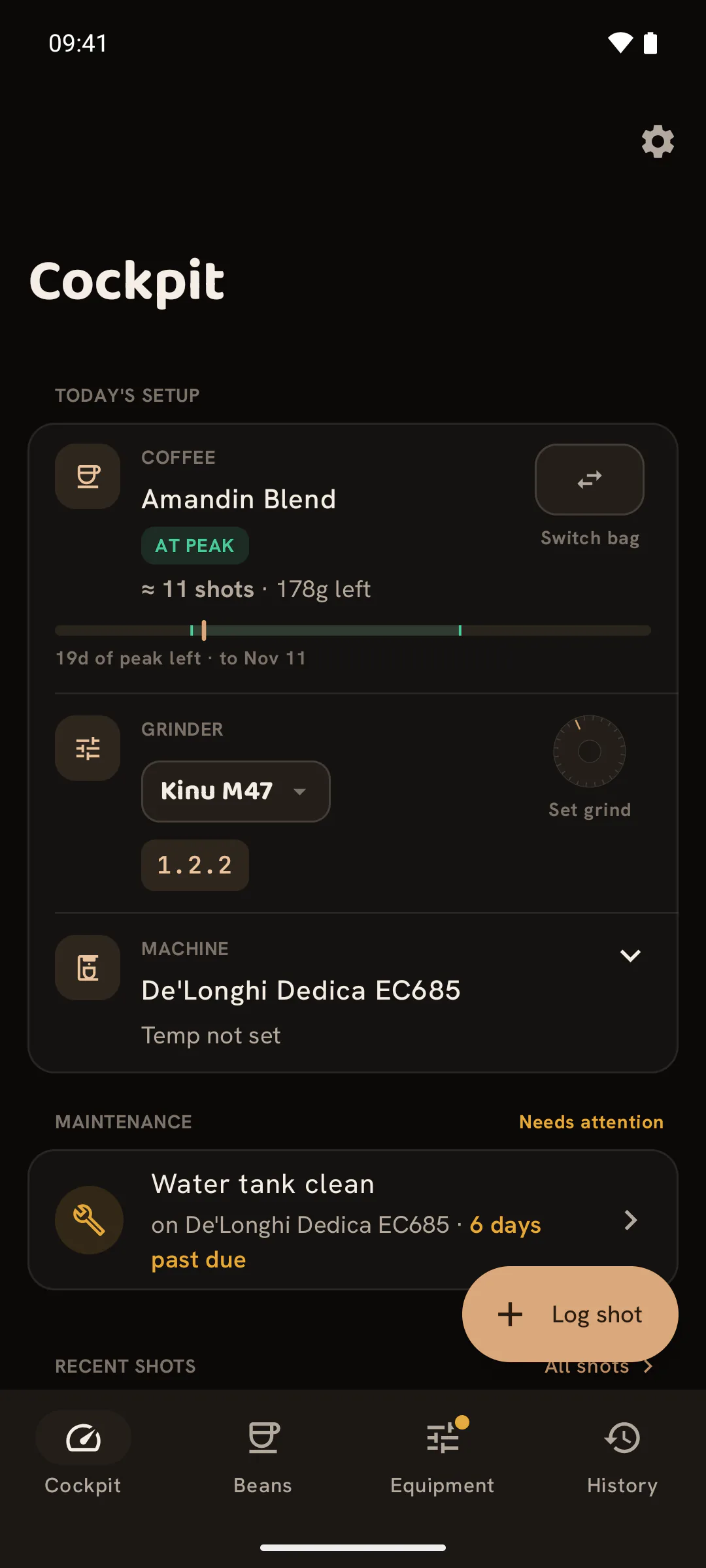
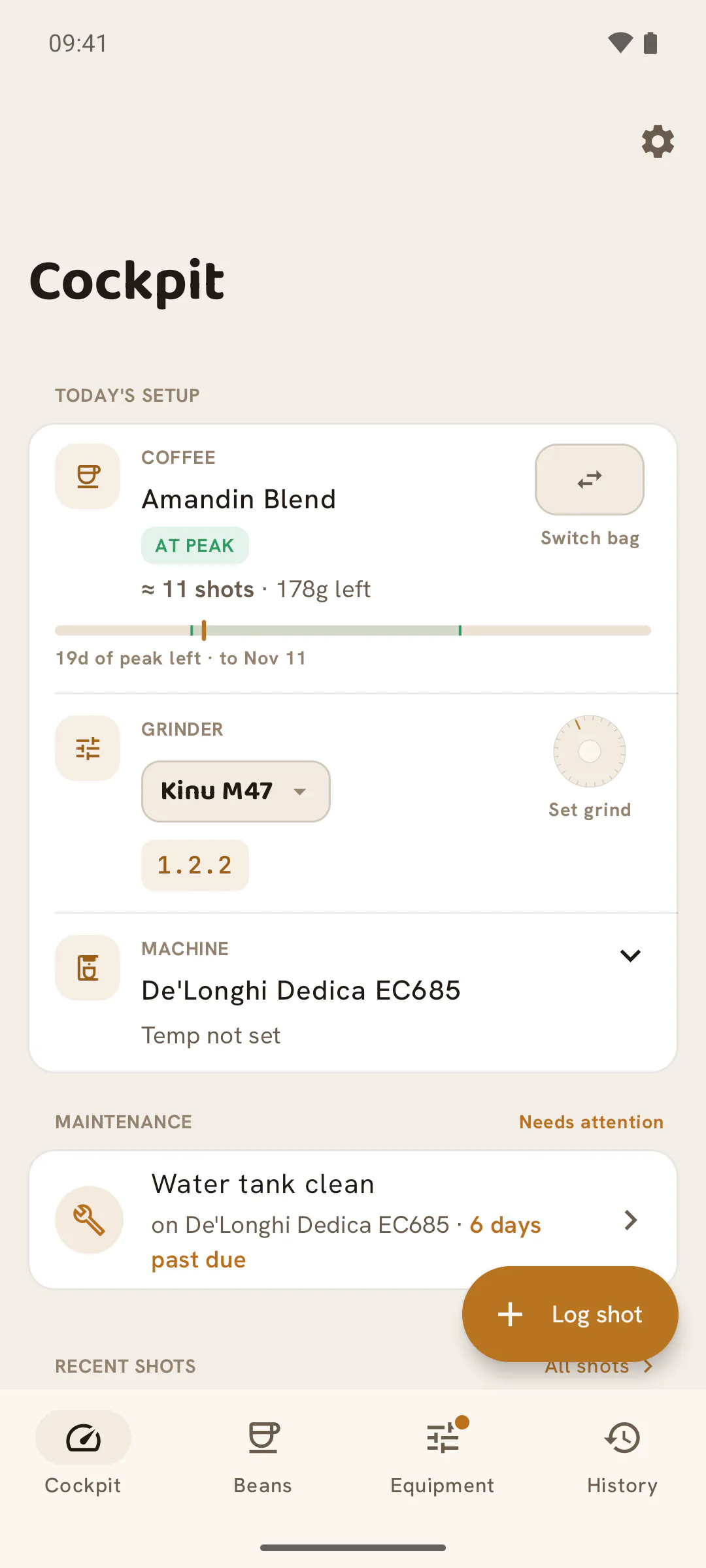
Not set
A control you have never set reads Not set (on the row, “Temp not set”). It does not show the factory position, because nobody has said the machine is there. It may be, or someone may have flipped the switch a year ago. Not set is also a choice in the sheet, for when you no longer know.
Each control names its factory position, next to the manual’s words: on the Mara X’s temperature switch it reads Factory: 0, and on the web that position is also tagged factory. If that is where your machine is, pick it.
How a shot records it
The log sheet has no settings, so there is nothing to set when you log a shot. When a shot is logged, ShotPulled copies where the machine stands at that moment onto the shot. Changing a setting later never rewrites a shot already logged.
A shot’s row adds only the positions that were not the factory ones, so a shot pulled at the factory settings shows none. On iPhone and Android, open the shot to see every position it was pulled at, under Machine settings. A shot logged before you set anything carries no settings.
If a shot’s record is wrong, correct it on the shot. On iPhone and Android, open the shot and tap Fix the numbers. On the web, open History and click the pencil (Edit this shot) on its row. The settings are in the sheet that opens. The correction changes that shot only. The machine stays where it is.
A locked recipe keeps the settings of the shot it was locked from. On the web, the Cockpit shows them beside the locked recipe and, when the machine stands somewhere else now, offers Set it back.