ShotPulled › Help › Log a shot and taste it
Log a shot and taste it
This works on iPhone, Android and the web. The phones log from a sheet. The web logs from a panel on the Cockpit, with its own labels, noted below.
Log the shot
On the phones, tap Log shot on the Cockpit (on iPhone it sits at the bottom). The sheet asks for Dose, Yield and Time, then Drink (Straight or Milk), Finish (Hard stop or Passive drip) and Numbers are (Measured, Est. or Recalled). Pick Est. when you missed the timer and guessed.
The numbers start from your last shot of this coffee on this grinder and machine, so you change only what moved. For a first shot, iPhone starts from 18g, 36g and 30s, and Android starts blank. A Bluetooth scale can fill them in: see Bluetooth scales.
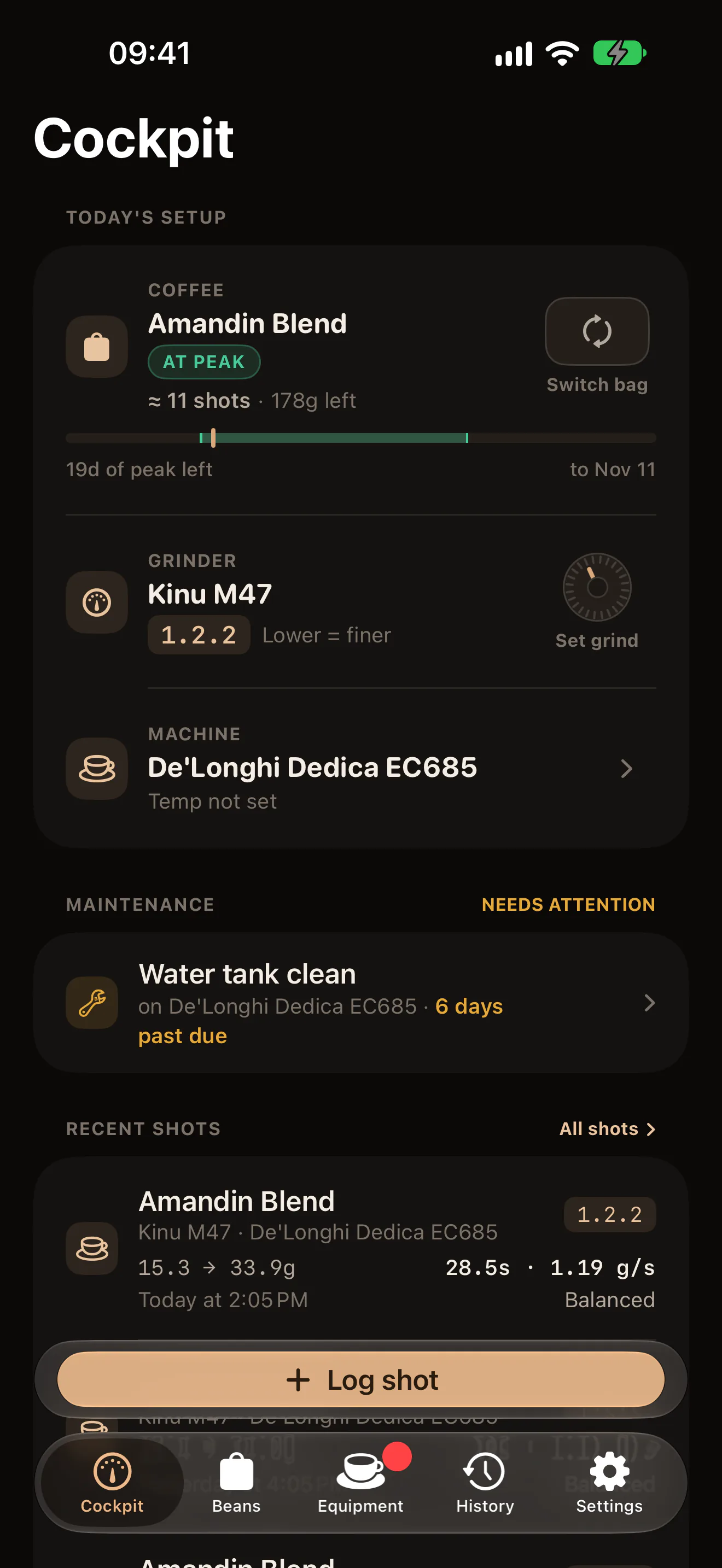
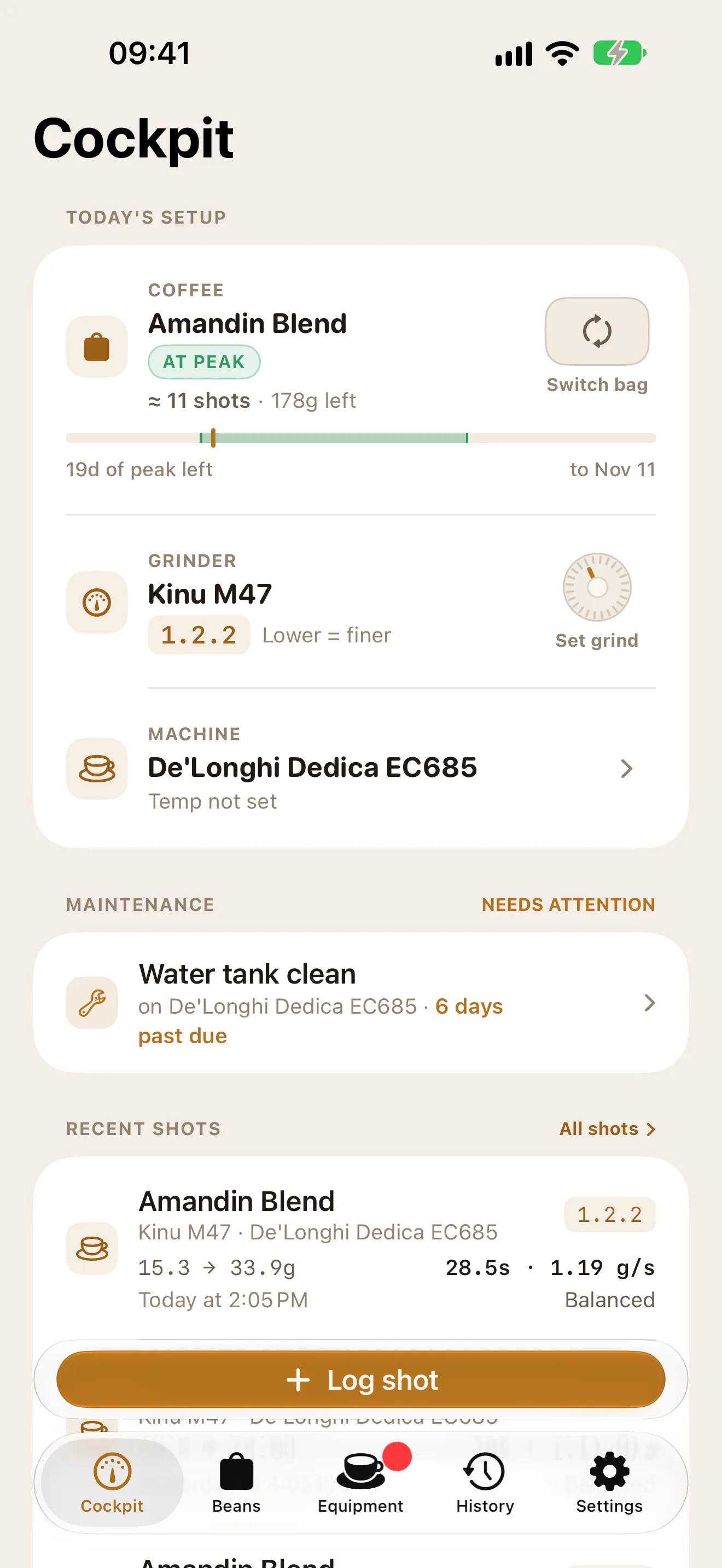
The shot is filed at the grind setting the Cockpit shows for the grinder. If you moved the collar, tap Set grind before you log.
On the web, the panel is Log a shot attempt: Dose (g), Yield (g), Extraction (s), Cutoff method and Drink intent. The web can also log a shot after the fact: under Pulled, choose This morning or Custom… in place of Just now. Data confidence is the same choice as Numbers are.
Taste it now, or later
The engine reads a shot only once it is tasted. Taste it at once, or after you drink it.
- Now: on the phones, turn on Taste it now and the button reads Save shot & tasting. On the web, tick Tasted it: add sensory observations and click Log shot & run rules. The reading appears as soon as it is saved.
- Later: leave it off and save with Save · taste later on the phones, or Log shot on the web. The shot waits under Awaiting tasting on the Cockpit. Tap it (on the web, click Add tasting) when you have drunk it.
Taking your time does not change the answer. The engine judges the shot by the coffee it was pulled with, at the age it was then, even if another bag is active by the time you taste it.
The tasting sheet has the tags, a rating and notes, and a live preview of the reading that changes as you pick tags. Nothing is saved until you tap Save tasting & commit reading on iPhone and the web, or Save tasting on Android. Later closes it and the shot keeps waiting.
The taste tags
The tags name faults: Bitter, Sour, Astringent, Blonding in cup, Slow flow, Channeling, Puck choking and Dryness. Pick every one you noticed.
A shot that tasted clean has none. Saving with no tags records a clean shot, and the engine goes by the numbers alone. It suggests a change only when the shot ran fast or slow, or the ratio was far from usual.
What the tags usually lead to:
- Sour with an even flow: let the shot run longer.
- Bitter, Astringent or Dryness with a normal flow: stop the shot sooner.
- Sour and bitter in the same cup: grind coarser and keep the yield.
- Puck choking or Slow flow: grind coarser. The engine reads them as one fault and saves both as Puck choking.
- Channeling with a normal flow: fix the puck prep, not the grind.
- Blonding in cup counts as a sign of choking on classic and dark roasts. Light roasts blond early anyway, so there it is not read as a fault.
The rating is for you and for your locked recipes. The engine cannot taste: it reads the numbers and the tags. If you rate a shot 2 or lower and pick no tags, the reading warns that it may miss what you tasted: pick what you noticed in the shot’s tasting and save it, and the reading runs again. Read the recommendation explains the answer that comes back.