ShotPulled › Help › Bluetooth scales
Bluetooth scales
This is on iPhone and Android. The website has no Bluetooth, so it has no scale: on the web you type the dose, yield and time.
The scales it can read
The apps read scales from six brands:
- Bookoo: the Themis scales
- Decent: the Decent Scale
- DiFluid: the Microbalance and the Microbalance Ti
- Felicita
- Timemore: the Basic 3 and the Dot
- Varia: the AKU, AKU mini and AKU PRO
A scale from another brand can still be added in Equipment for its specs. The app cannot read it, so you type its numbers in.
An Acaia scale shows The app cannot connect to Acaia scales yet. Type the dose, yield and time in when you log a shot. under Connection, with no Connect button.
Add the scale first
- In Equipment, add your scale. Picking it from the catalog fills in its specs, Bluetooth included.
- The Felicita scales and the Timemore Dot are not in the catalog yet. Add them by hand and set Connectivity to Bluetooth.
The app offers to connect only to a scale whose record says it has Bluetooth.
Connect
- Switch the scale on and keep it near the phone.
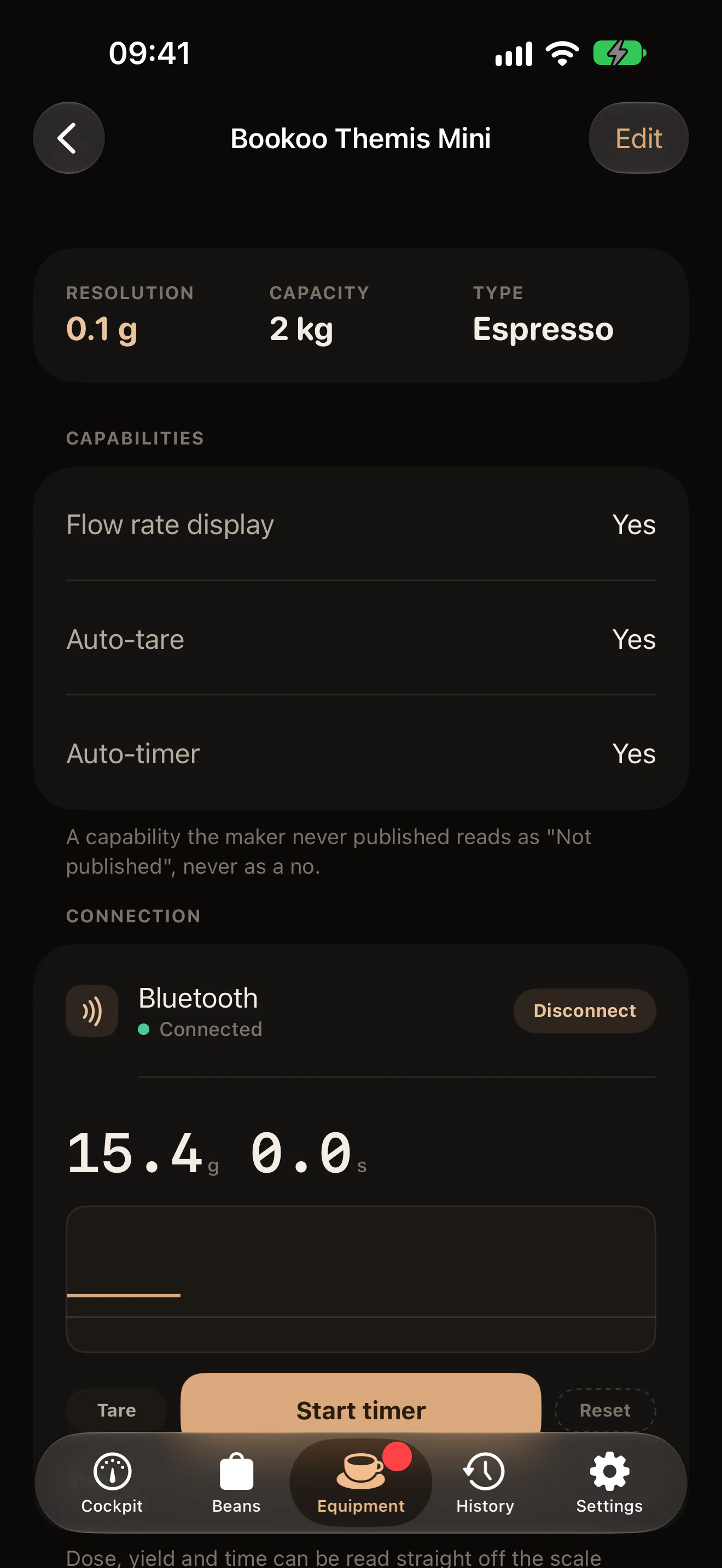
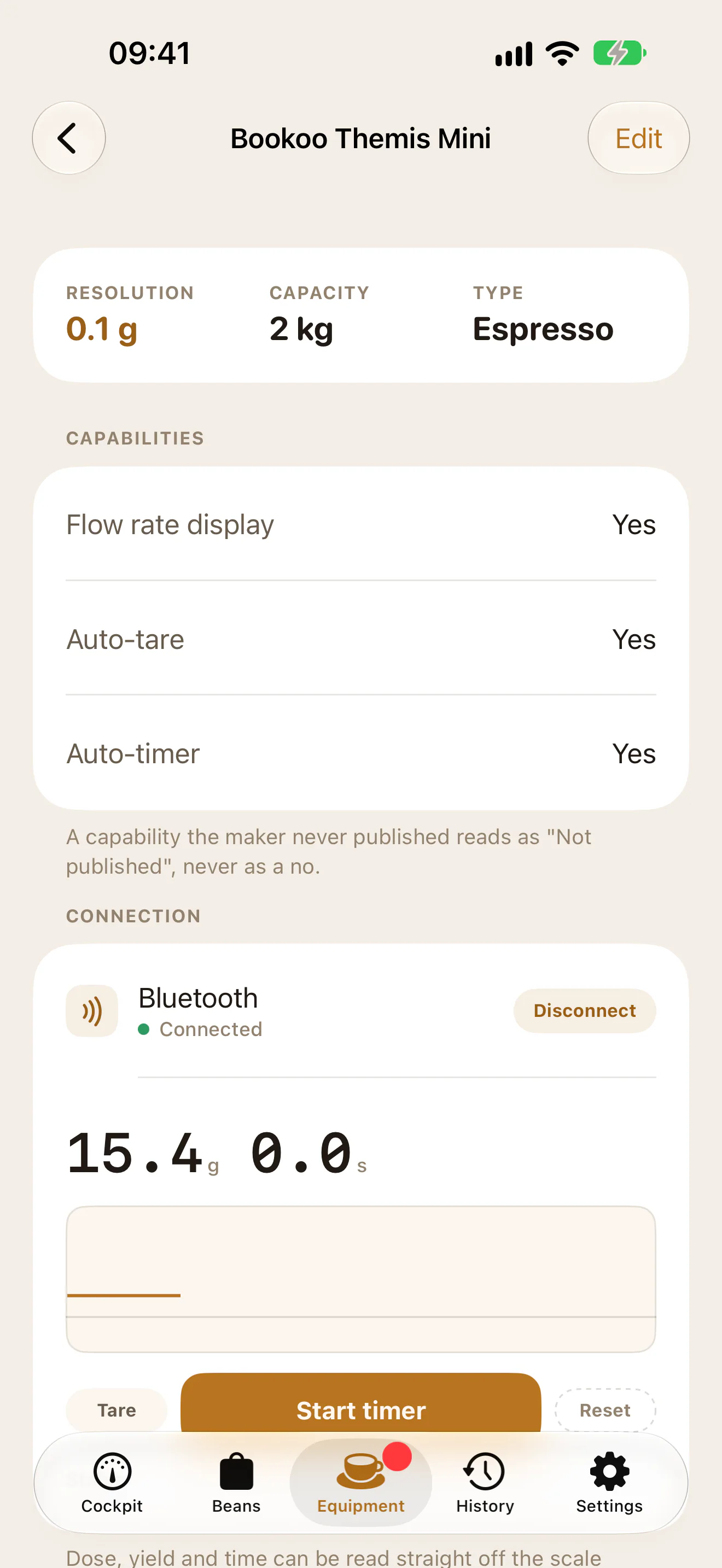
- Open the scale in Equipment. Under Connection, tap Connect. The first time, the phone asks for Bluetooth permission.
- The row reads Pairing…, then Connected, and the live weight and clock appear under it.
Connect connects the scale you tapped. The first time, the app tells the brand from the scale’s name (Bookoo, Decent, DiFluid, Felicita, Timemore or Varia, or a model word such as AKU, Themis or Microbalance) and connects only to a scale of that brand. A scale whose name names none of them connects to the first scale the phone hears that it can read. If two scales of the same brand are on the bench that first time, switch the other one off.
Once a scale has connected, the phone remembers it for that page. From then on, Connect there connects only that scale, never another one nearby, even one of the same brand. If it is off or out of reach, nothing else connects in its place: on iPhone the row stays on Pairing… until the phone hears it, and on Android the phone stops after about 12 seconds and says No scale answered. Is it switched on and nearby?
The phone remembers a scale for one page at a time. Connect it from another scale’s page and the first page forgets it, so its next Connect picks by brand again. This is kept on the phone, not in your account: another phone picks by brand the first time too.
To connect a different scale from a page, a replacement for example, tap Forget this scale under Connection. The page’s next Connect then picks by brand again. The button shows only while the page remembers a scale. A scale connected at that moment stays connected. Tapped while the row reads Pairing…, it stops waiting for the old scale and connects one by brand straight away (on Android, within the same 12 seconds).
After the first pairing, Log shot offers the same scale again as Last paired scale, with Connect beside it. Once it is connected, the sheet shows the From scale card.
If it does not connect, the row says why: Bluetooth is switched off. or ShotPulled needs Bluetooth permission to reach a scale. On Android, a scale that never answers gets No scale answered. Is it switched on and nearby?
Two-way and listen-only
A two-way scale takes commands from the app. Tare zeroes the scale itself, and the app can start and reset the scale’s own timer. All six brands above are read two-way.
If a scale connects without offering its command channel, the app reads it listen-only. The button then reads Zero instead of Tare, and it only moves the app’s copy of the weight. The card says so: tare on the scale itself for a true zero.
Bookoo and Timemore scales keep their own timer, and the app shows it. On the others the app times the shot. How the clock works on each is in The shot clock.
Filling the form from the scale
The From scale card fills the numbers only when you tap. Nothing writes itself.
- The card opens with Dose picked under FILL. Weigh the ground coffee and tap Fill dose from scale.
- The card moves on to Yield and Time. Pull the shot, then tap Fill yield & time from scale.
Weights come in at the scale’s own precision. Time comes in as whole seconds.
Typing the numbers in
The Dose, Yield and Time fields in Log shot always take typing, with or without a scale. The scale never changes a number you typed unless you tap a Fill button. Without a scale, time the shot however you like and type it in.