ShotPulled › Help › The shot clock
The shot clock
This is on iPhone and Android, with a connected scale. The website has no Bluetooth, so it has no scale and no clock.
The clock is in the From scale card on the Log shot sheet. Connecting a scale is in Bluetooth scales.
Timing by hand
Three buttons sit under the trace: Tare, the clock, and Reset.
- Start timer starts the clock. While it runs the button reads Stop.
- A stopped clock keeps its seconds, and the button reads Resume.
- Reset clears the clock. Tare clears it too, because a tare starts a new weighing.
Starting at the first drops
Open TARGET & TIMER in the card and turn on Start at first drops. The small Start · tap switch at the top left of the trace is the same setting. It reads Start · first drops when on.
The clock listens only after a tare with the cup on:
- Weigh the dose and tap Fill dose from scale, so FILL has moved off Dose. Weighing coffee never starts the clock, and until then the card says Auto-start listens once the dose is in.
- The card now says Auto-start listens once the cup is on and tared. Put the cup on the scale and tap Tare.
- After a moment the clock button reads Listening for first drops.
- Start the pump. When coffee lands, the clock starts on its own, counted from the first drop, not from the moment the app was sure.
The tag under the seconds reads From first drops. The seconds between the pump and the first drop are left out, so the time reads shorter than one timed from the pump.
A cup set down or a knock after the tare does not start it. If something lands and stays, the card says Something landed on the scale. Tare with the cup on to listen again.
While it listens, tapping the button starts the clock at once.
Stopping when the flow ends
Turn on Stop when the flow ends (on the trace: Stop · flow ends). It works however the clock was started, by a tap or at the first drops.
- It waits for a steady flow first. The line under the buttons reads auto-stop waits for a steady flow, then stops when the flow ends. A pre-infusion pause early in the shot does not stop it.
- When the flow drops away, the card reads Flow ending… and the seconds hold while the app makes sure. The stop is placed where the flow fell, not where the app noticed.
- With Finish set to Passive drip, it waits for the drips to end instead.
- Lifting the cup off also stops it.
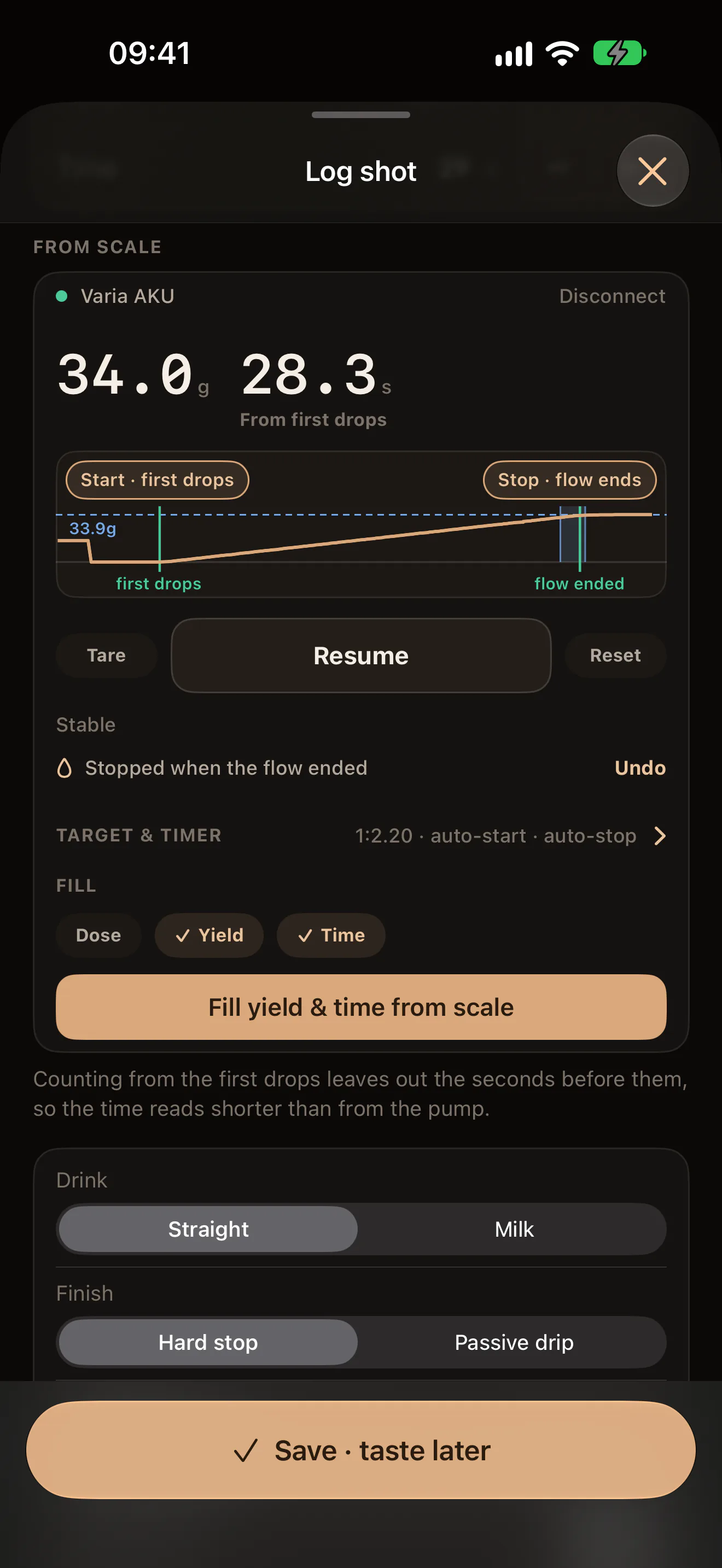
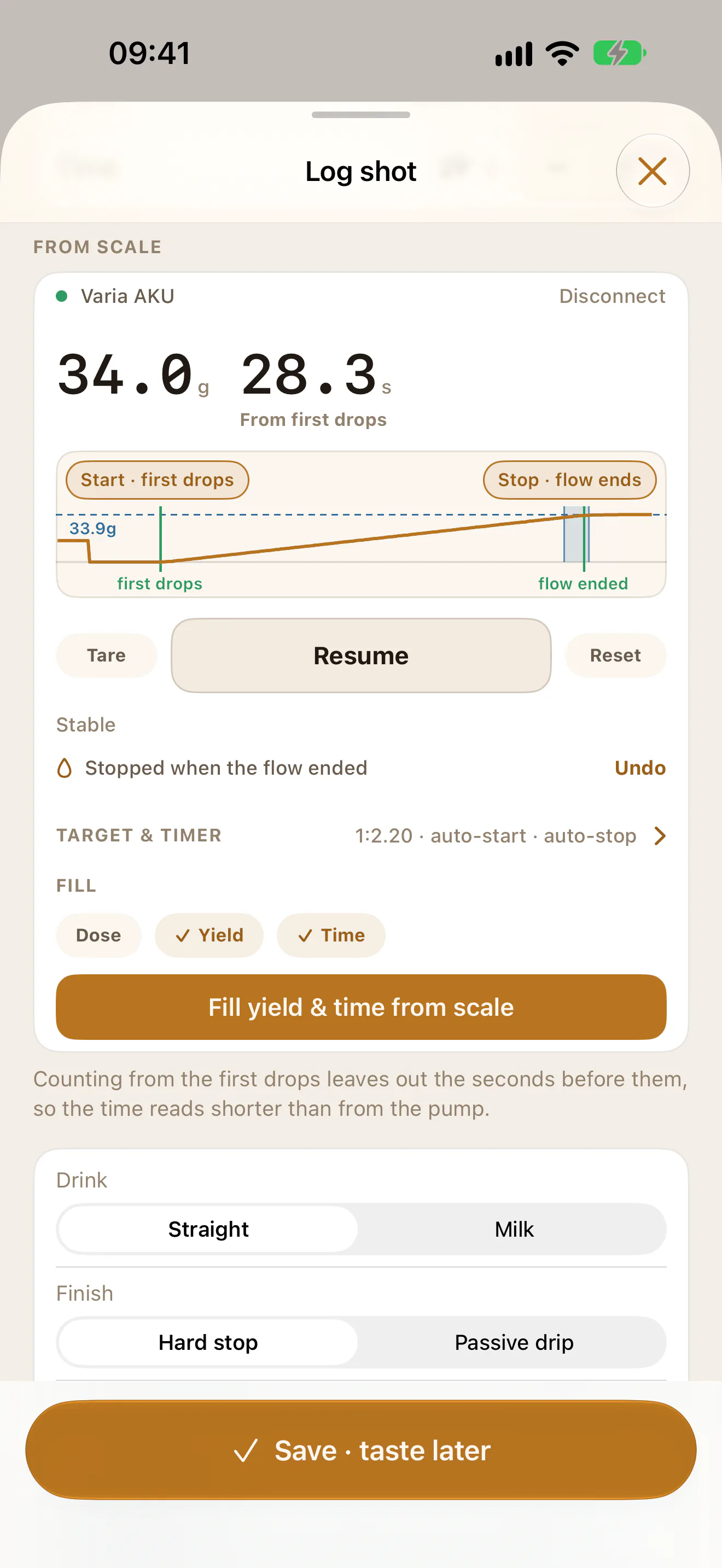
Undo
Whenever the clock starts or stops itself, the card says so beside Undo: Started at first drops, Stopped when the flow ended, Stopped when the drips ended or Stopped when the cup came off. The trace marks where.
- Undo on a start clears the clock. The app makes no second guess for this shot: the card reads Auto-start is off for this shot. Tare to listen again.
- Undo on a stop runs on as if it had never stopped, the seconds since included.
Nothing goes into the form on its own. After a stop, tap Fill yield & time from scale.
Scales that keep their own timer
Bookoo and Timemore scales run their own timer, and the app reads it. On these scales:
- The clock on screen follows the scale’s timer, whether you started it on the scale, by its automatic mode, or with Start timer in the app. It holds once the scale’s time stops moving.
- A time that does not move forward, such as a timer zeroed on the scale, never replaces the time on screen. A new run on the scale does.
- Start at first drops and Stop when the flow ends are not offered, and the group’s header reads TARGET. Two clocks deciding when one shot began would disagree.
- Reset is drawn but does nothing: reset the timer on the scale.
The Varia AKU, Decent, Felicita and DiFluid scales do not send their time, so the app times the shot and the tag reads Timed in app. If your scale runs its own automatic timer as well, its display and the app may differ by a fraction of a second. The app’s time is the one that goes in the form.
The two settings are kept on this phone, for whichever scale you connect.