ShotPulled › Help › The stop window
The stop window
This is on iPhone and Android, with a connected scale. The website has no Bluetooth, so it has no scale and no stop window.
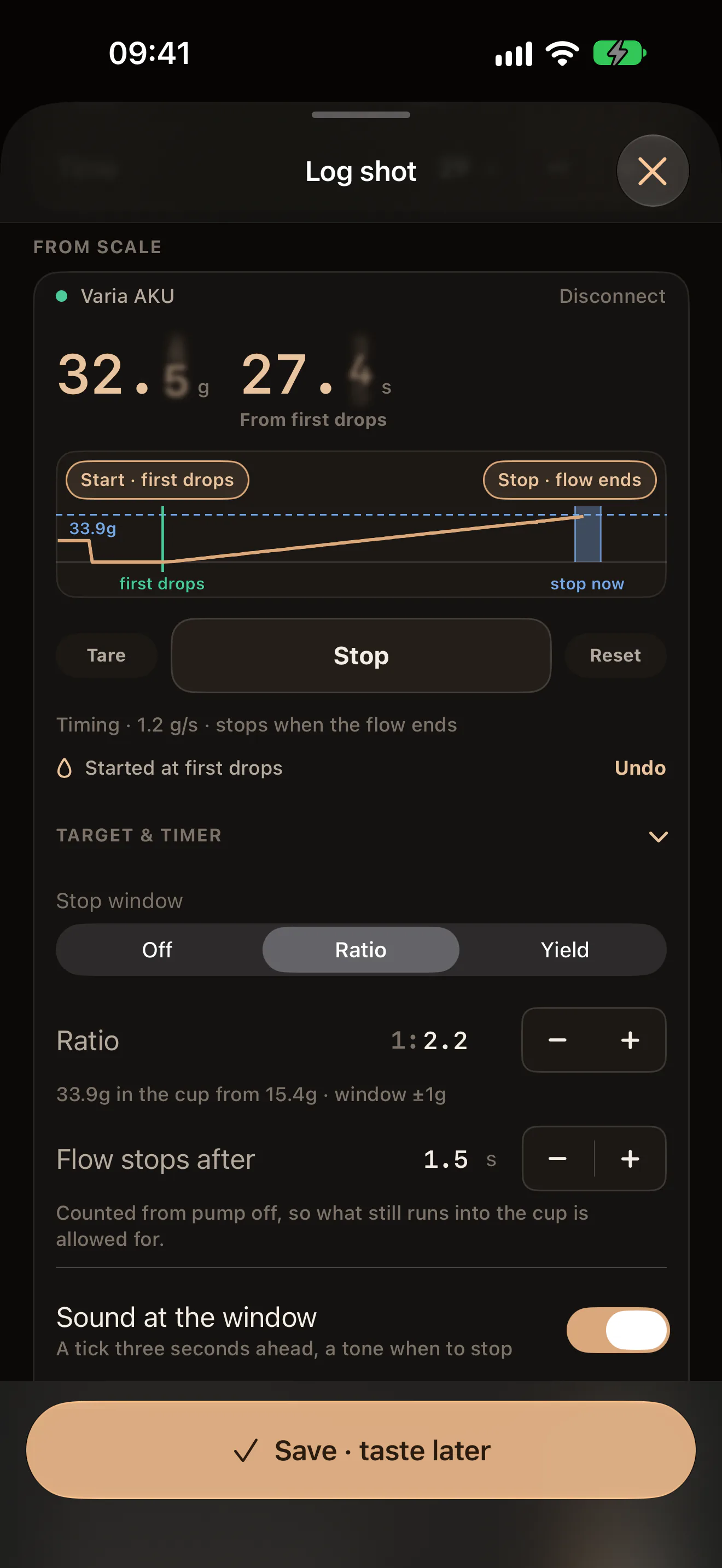
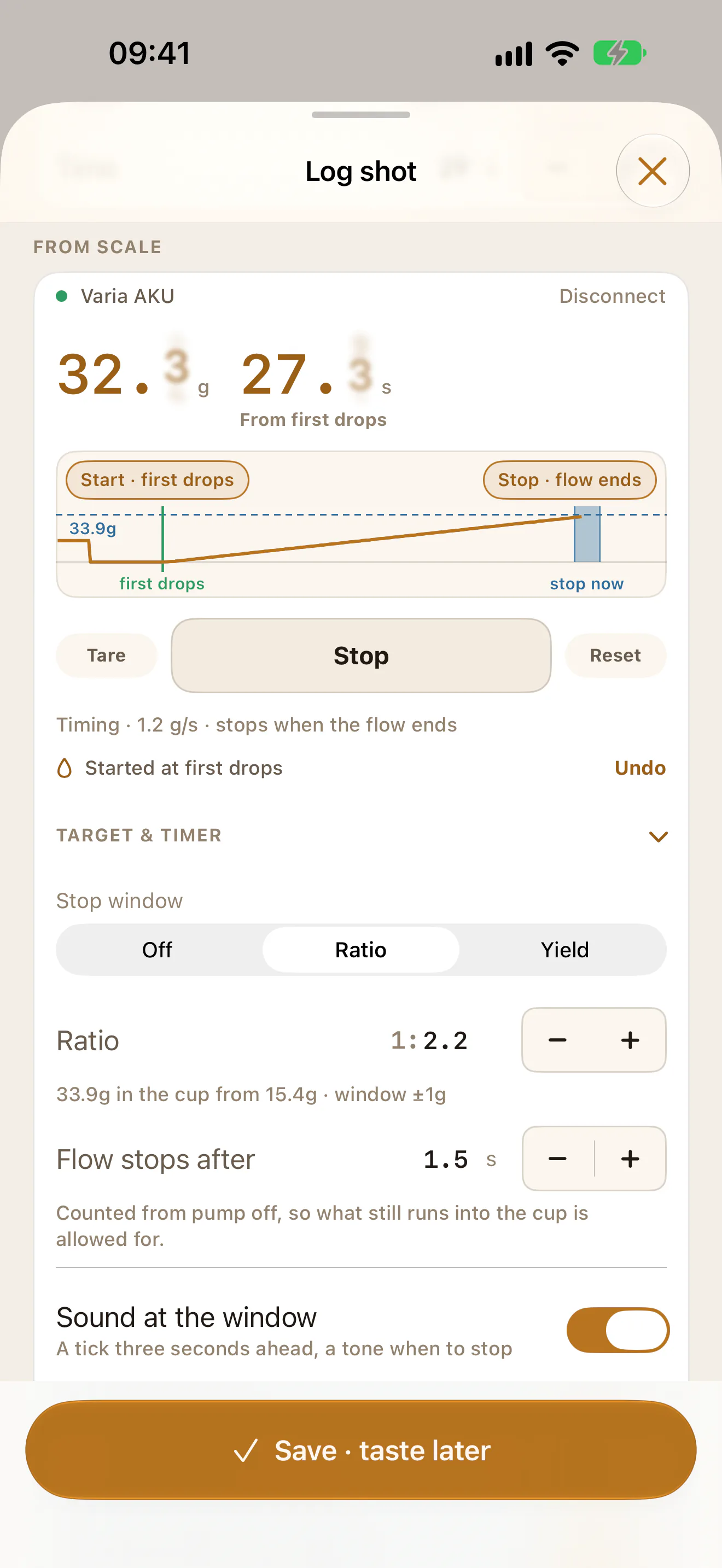
The stop window is the stretch of the shot in which to switch the pump off so the cup lands on your target. The app draws it on the trace in the From scale card on Log shot, says when it is near, and leaves the stopping to you.
Set the target
Open TARGET & TIMER in the card. On a Bookoo or Timemore scale the header reads TARGET. Tapping the header folds the group, and folded it shows what is set, such as 1:2.20 · auto-stop.
Under Stop window, pick one:
- Ratio: the cup as a ratio of the dose. It starts at 1:2.0 and goes from 1:1.0 to 1:5.0 in steps of 0.1. It needs the dose in the sheet’s Dose field, typed or filled from the scale. Until then the line under it reads Needs the dose. Fill it above or from the scale. With a dose, it says what that comes to, such as 33.9g in the cup from 15.4g · window ±1g. Change the dose and the target follows.
- Yield: a weight in grams, in the Target field. It starts at 36g and moves in steps of 0.5g.
- Off: no window.
The window is ±1g in the cup either side of the target.
Flow stops after
When the pump goes off, coffee keeps running into the cup for a moment. Flow stops after is how long that takes on your machine, in seconds from pump off. It starts at 1.5s and goes from 0s to 6s in steps of 0.1s. The window sits earlier by what still lands in that time.
To set it, pull a shot, switch the pump off on the tone, and read the cup against the target:
- The cup ended over the target: raise Flow stops after.
- It ended under: lower it.
During the shot
The window needs the clock running: tap Start timer, let it start at the first drops, or start the timer on a scale that keeps its own. See The shot clock.
On the trace:
- a dashed line at the target, with its weight
- the window as a blue band, brighter while the clock is inside it
- while the window is still ahead, the rest of the pour as projected, dotted
- a word under the band: stop ≈ and the second to stop at, then stop now, then past the window
The band appears only once the flow is steady and the cup holds a third of the target, so a pre-infusion does not draw it early. It moves with the flow until the clock reaches it, then stays put. After you stop, it stays on the trace.
Weight counts from what the scale read when the clock started, so a cup you forgot to tare still gets its window.
The tick and the tone
- The tick: three seconds before the window opens, a short tick and a light tap in the hand.
- The tone: as the clock reaches the window, a two-note tone and a stronger tap. A screen reader also says Stop now.
Each comes once per shot. If the window first appears less than a second before it opens, there is no tick. If it first appears after it has already passed, there is no tone.
Sound at the window
Sound at the window is on to start. Turn it off and the taps in the hand still come, with no sound.
The sound plays with the phone on silent, because a phone at the machine usually is:
- iPhone: the silent switch does not mute it. It follows the volume buttons.
- Android: it plays at the media volume, whatever the ringer is set to. With media volume at zero there is nothing to hear.
Music keeps playing under it on both.
Why it never stops the machine
The app cannot switch a machine off, so the window is advice. It does not stop the clock and it fills no field. That is also why it is drawn on a scale that keeps its own timer.
Your target, Flow stops after and the sound setting are kept on this phone.